How to Fix “No History Data” on MT4/MT5 and Import Historical Price Data
Investment and Financial Freedom › How to Fix “No History Data” on MT4/MT5 and Import Historical Price Data
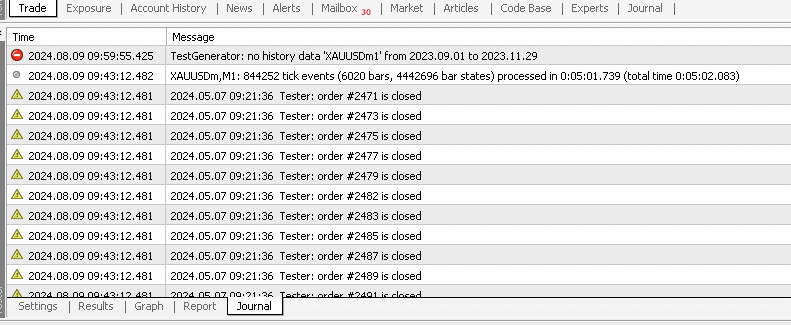
When testing your EA on MT4 or MT5, you may encounter the message “No History Data of XAUUSD from ...”. This means your platform does not have the historical price data needed for that symbol. Here’s how to fix the issue by downloading and importing historical data manually.
Download Historical Price Data
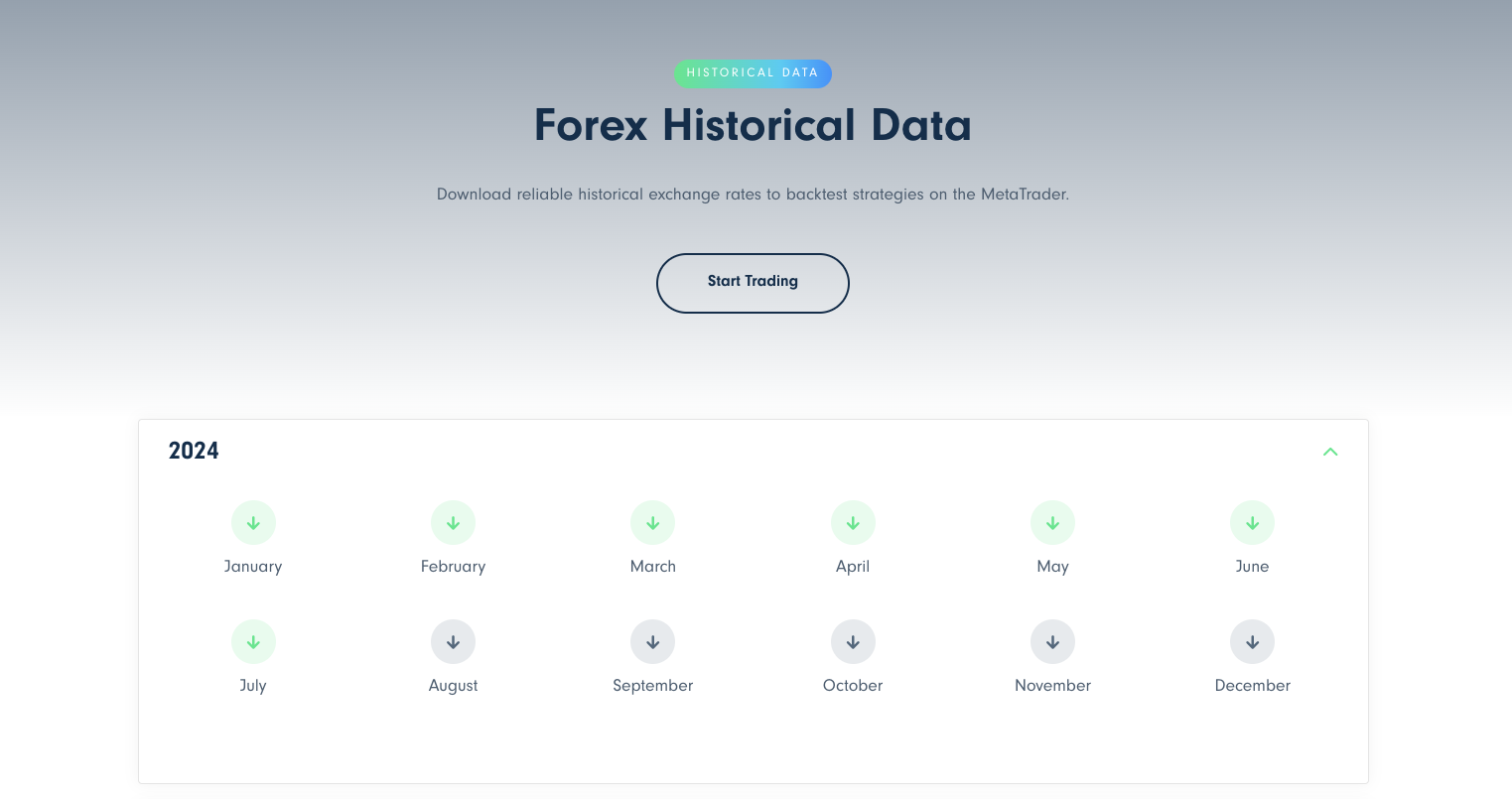
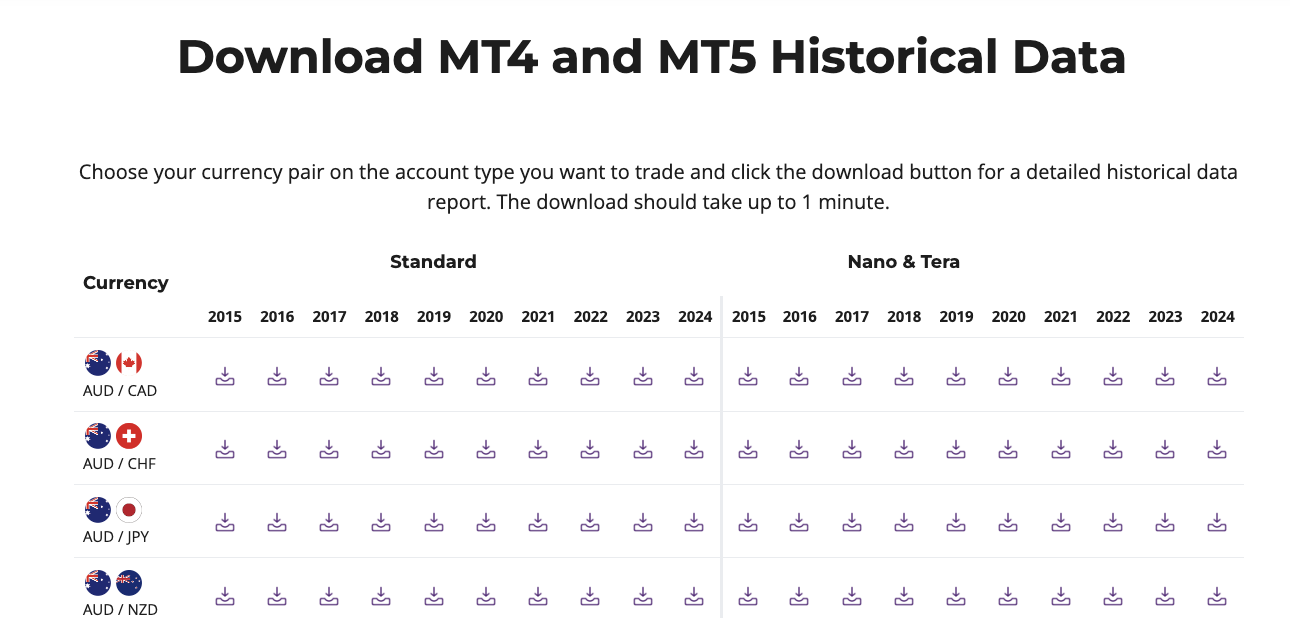
- Visit a reliable website offering free historical data downloads, such as Traders-Trust Historical Data or Axiory Historical Data.
- Select the currency pair, symbol (e.g., XAUUSD), or timeframe you want to test.
- Download the data file, usually in CSV or HST format.
How to Import Historical Data into MT4/MT5
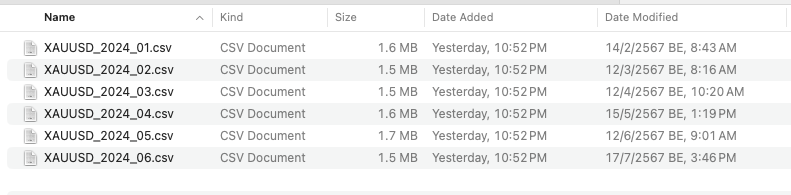
1. Open your MetaTrader 4 (or MT5) terminal.
2. Go to the menu: File → Open Data Folder
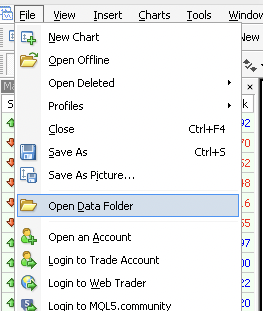
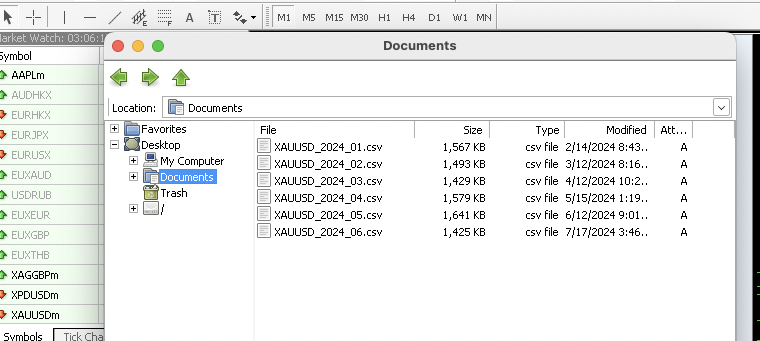
A new window will open showing the platform’s data directory.
If you are using macOS, navigate to the Documents section and paste or copy the downloaded historical data file into the appropriate folder.
Next, go to Tools → History Center (or press F2). In the left panel, select the desired currency pair or symbol, then click Import to upload your downloaded data.
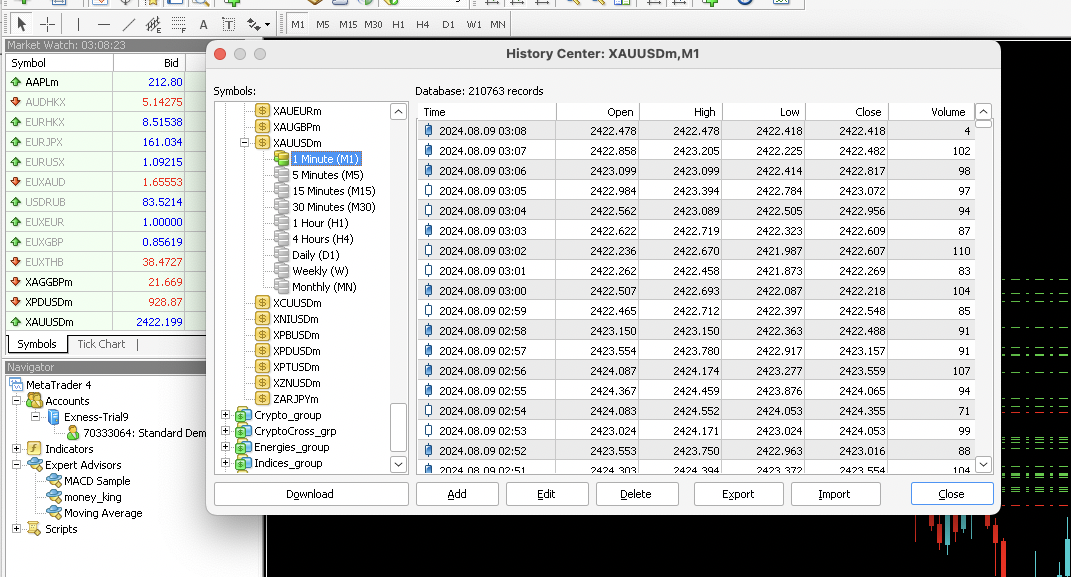

Adjust the import settings if needed (timeframe, separator type, etc.), then confirm.
Once complete, your chart and EA backtests will have access to the full history data for accurate testing.
That’s it! 🎯 Now you can run your EA tests on historical price data smoothly — without the “No History Data” error message.
Please rate your satisfaction with this article

Post a Comment
Your email address will not be displayed to others. Required fields are marked *
Recommended Content