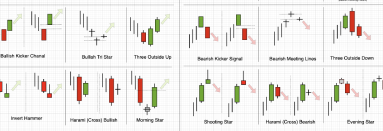
How to Display Prices on Fibonacci Retracement in MT4 & MT5
Investment and Financial Freedom › How to Display Prices on Fibonacci Retracement in MT4 & MT5
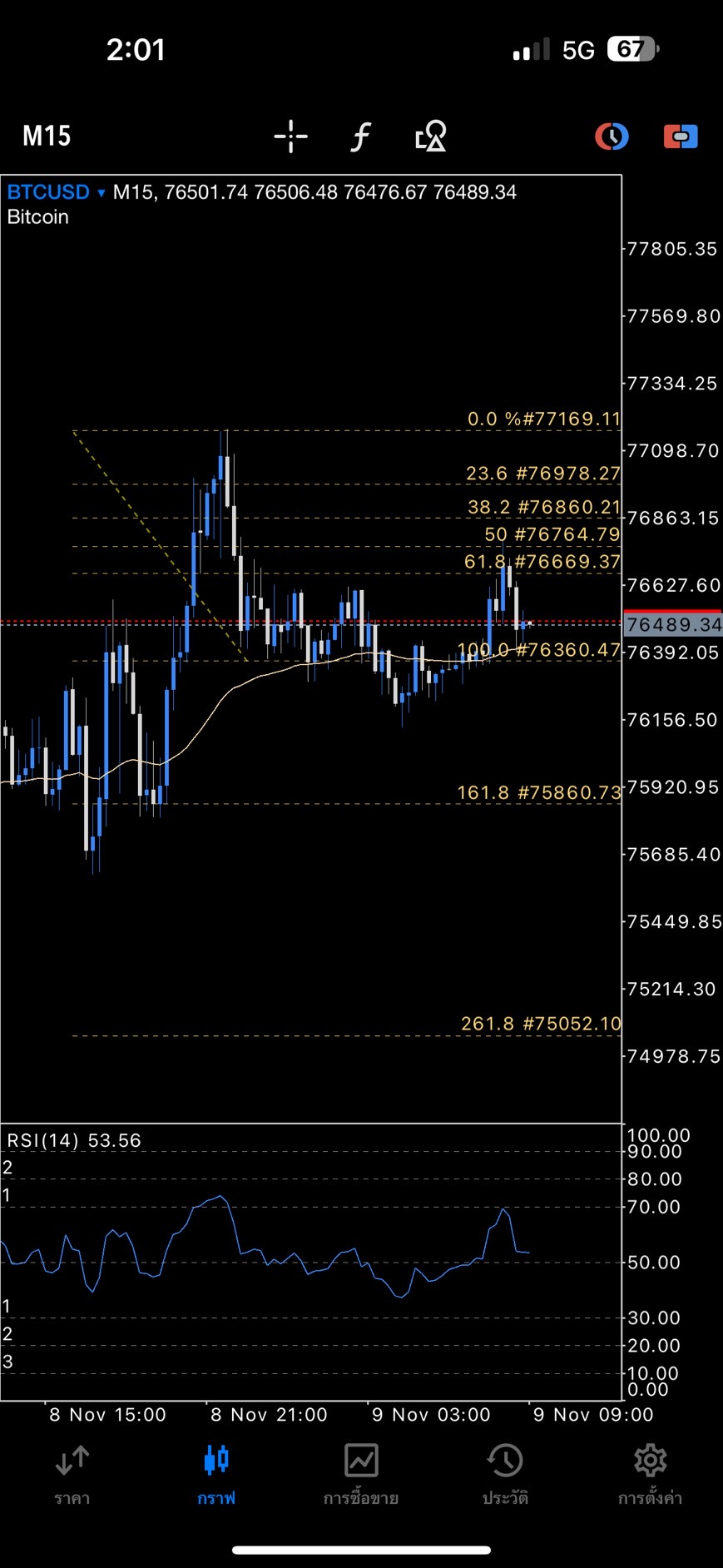
How to Display Prices on Fibonacci Retracement Lines in MT4 & MT5
You can easily show price values on Fibonacci retracement levels in both MetaTrader 4 (MT4) and MetaTrader 5 (MT5) by following these simple steps:
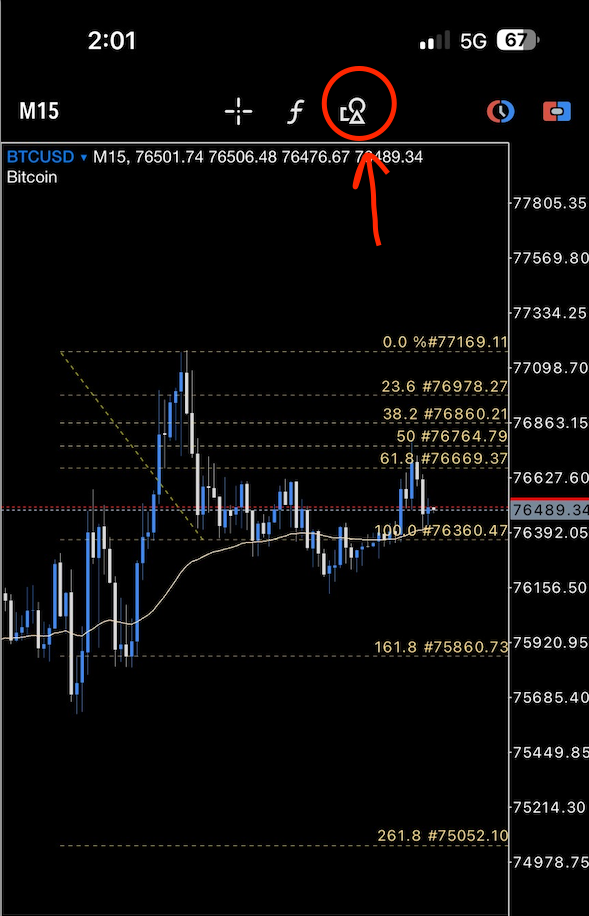
1. Draw a Fibonacci retracement on your chart, then click the object symbol at the top to open the properties window.
2. Open the properties of your Fibonacci object to customize settings.
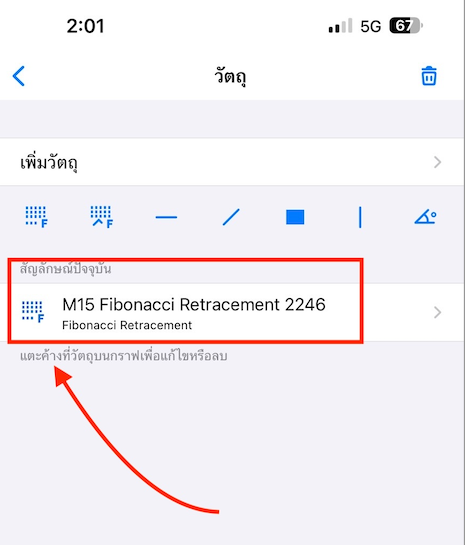
3. Inside the Properties window, you’ll find options to extend the lines left or right, change colors, and adjust other styles. Now go to the Levels tab to define level values, descriptions, and add dynamic prices.
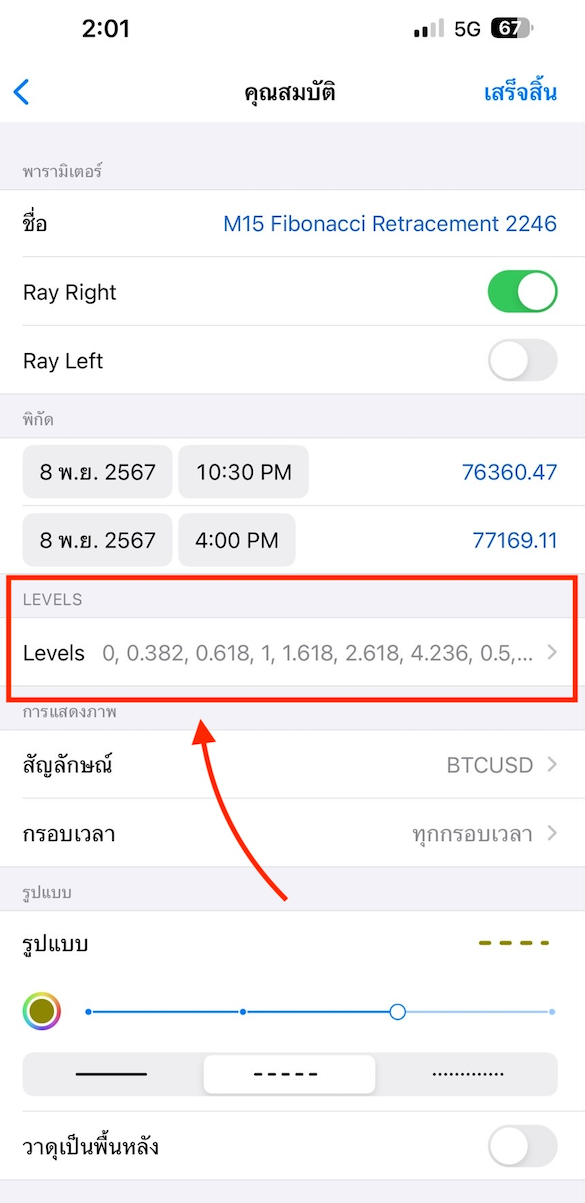
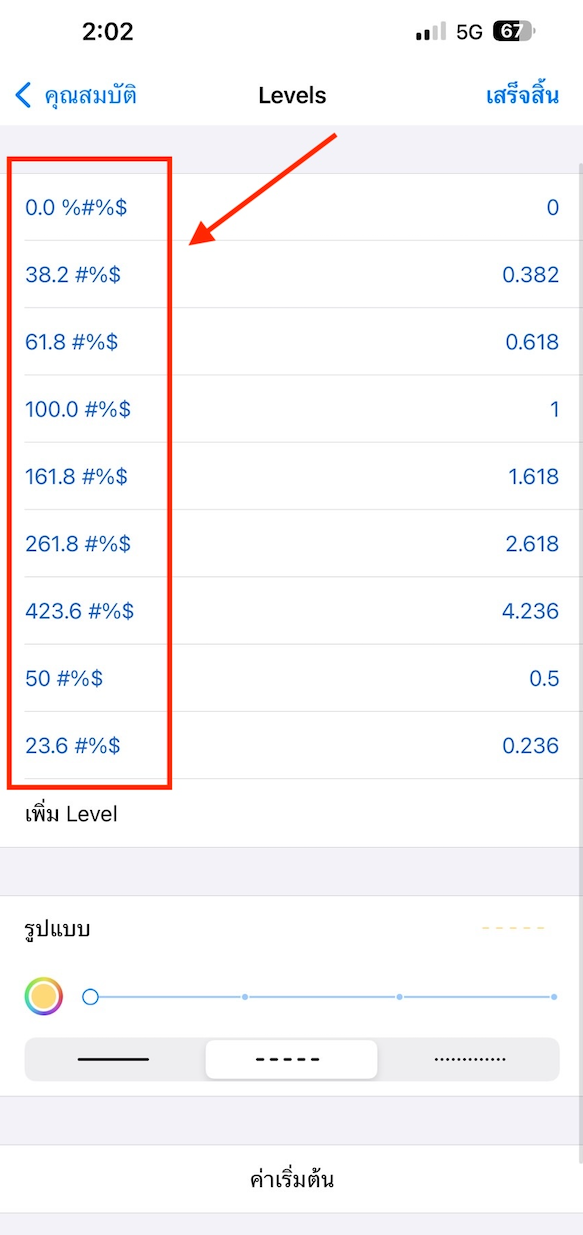
4. In the Levels section, input your preferred Fibonacci ratios.
To make prices appear beside each level, simply add the symbol #%$ in the description box.
Each time you draw Fibonacci lines, the price will automatically be displayed next to the level.
That’s it! With this simple setup, you can view real-time prices directly on your Fibonacci retracement lines, making technical analysis clearer and faster for Forex trading.
Please rate your satisfaction with this article

Post a Comment
Your email address will not be displayed to others. Required fields are marked *
Recommended Content