Review Logitech MX Master 4 - A Performance Working Mouse with a New Feel !
Technology › Review Logitech MX Master 4 - A Performance Working Mouse with a New Feel !
Logitech is back with a major upgrade to its popular MX Master mouse lineup, loved by professionals and creators worldwide. Introducing the Logitech MX Master 4, which maintains its familiar design while adding a range of exciting new features. Let’s take a look at what makes this model impressive and whether it’s worth the upgrade.
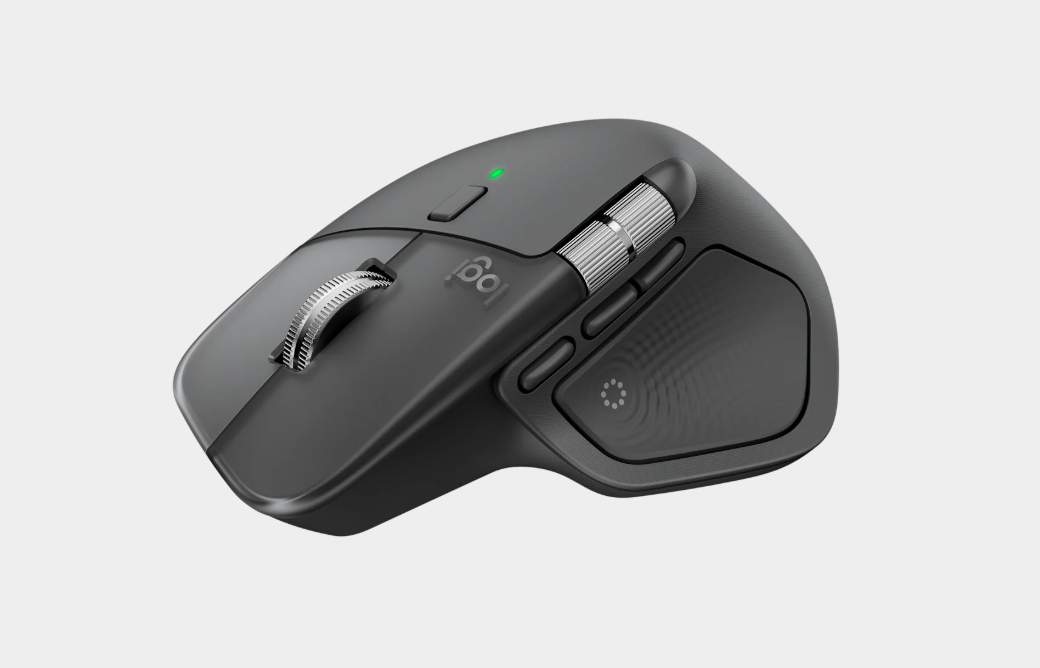
Design & Feel: Familiar but Better

The MX Master 4 maintains its iconic ergonomic shape that allows long hours of use without fatigue. However, the grip material has been upgraded. Instead of the rubber coating from previous generations—which could degrade over time—the MX Master 4 now uses a silicone-like material that is more resistant to dirt and offers a more secure feel. While the overall shape isn’t very different from the 3S, the small refinements enhance durability and long-term usability.
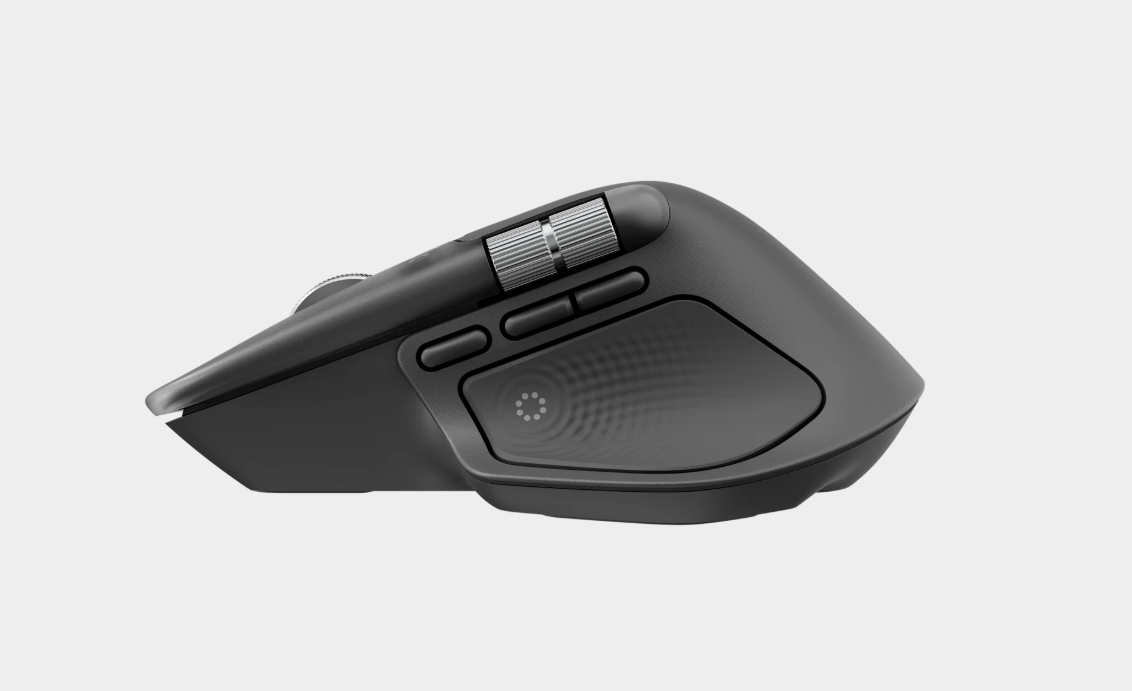

Key Feature: Haptic Feedback
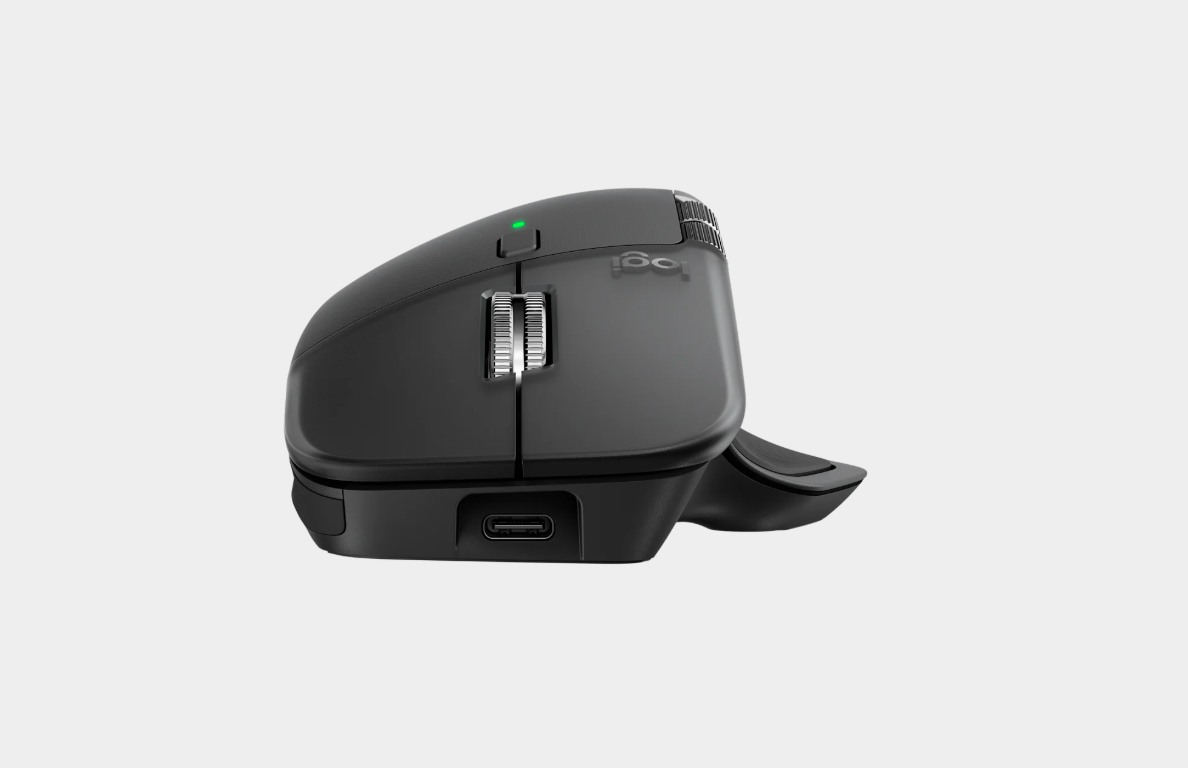
The biggest change in the MX Master 4 is the introduction of Haptic Feedback—a first for the MX Master series!
-
Precise tactile response — This vibration system isn’t just for flair; it provides physical feedback when performing actions such as:
Switching devices (Easy-Switch)
Using the Actions Ring (a new feature that boosts productivity; it can be customized for functions like screen capture or keyboard shortcuts)
Adjusting custom functions (e.g., volume or screen brightness)
-
Ultra-quiet clicks — The left and right click buttons are now up to 90% quieter than the MX Master 3S, while still maintaining satisfying tactile feel, making it great for quiet work environments.
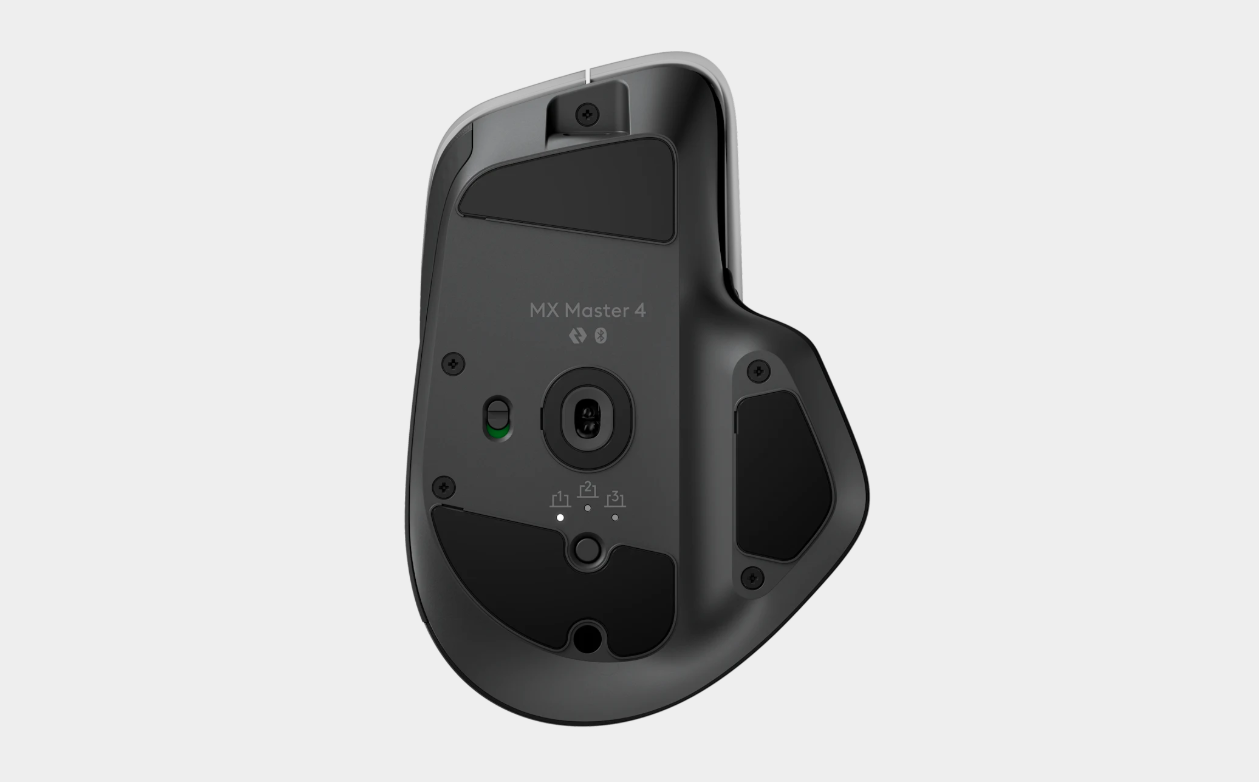

Performance & Functionality
The MX Master 4 keeps everything great about the series while introducing new capabilities:
-
MagSpeed™ scroll wheel — Still one of the highlights, capable of scrolling up to 1,000 lines per second and smart-switching between free-spin and ratchet modes.
-
Action Ring & redesigned side buttons — New side button placement and an additional button enabled with Haptic Feedback allow quicker access to commands or the Action Ring, which can be assigned shortcuts or workflows per application via Logi Options+.
-
Higher precision — The Darkfield sensor now supports up to 8,000 DPI (upgraded from 4,000 DPI), allowing use on virtually any surface—even glass.
-
Improved connectivity — Twice the wireless performance, with Bluetooth Low Energy 5.1 and support for up to 3 devices. Can connect via USB receiver or Bluetooth.

Conclusion: Is It Worth Upgrading?
The Logitech MX Master 4 is a natural evolution of this premium productivity mouse. It’s not a complete redesign, but rather a refined and more polished version of what was already excellent.
✅ Pros
Haptic Feedback — A new experience that gives stylish and useful action confirmation.
Quieter clicks — Noticeably quieter, ideal for work environments.
More durable materials — Solves the degradation issues of previous rubber coatings.
8,000 DPI — Higher precision for detailed work.
Action Ring — Boosts efficiency with customizable command sets.
❌ Cons
Higher price — Slightly more expensive than previous models.
Polling rate — Still 125Hz, which may not satisfy hardcore gamers, but is more than enough for productivity.

If you’re using an MX Master 2S or 3, upgrading to the MX Master 4 will feel significantly better in terms of ergonomics, materials, and the game-changing Haptic Feedback feature.
For MX Master 3S users, the upgrade depends on whether you value Haptic Feedback and the improved quietness. Overall, the MX Master 4 reinforces its position as “the best productivity mouse on the market.”
Please rate your satisfaction with this article

Post a Comment
Your email address will not be displayed to others. Required fields are marked *
Recommended Content