Boost Your Home Wi-Fi: Complete Guide to Stronger, Faster, More Reliable Internet
Technology › Boost Your Home Wi-Fi: Complete Guide to Stronger, Faster, More Reliable Internet
In an era where everything is connected to the internet, having fast and stable home Wi-Fi is essential. Slow connections or weak signals are not only frustrating but can also affect work, study, and entertainment. This article reveals all the tips and best practices to boost your Wi-Fi signal to be stronger, faster, and fully covered throughout your home. Let’s take a look at the steps you can follow.
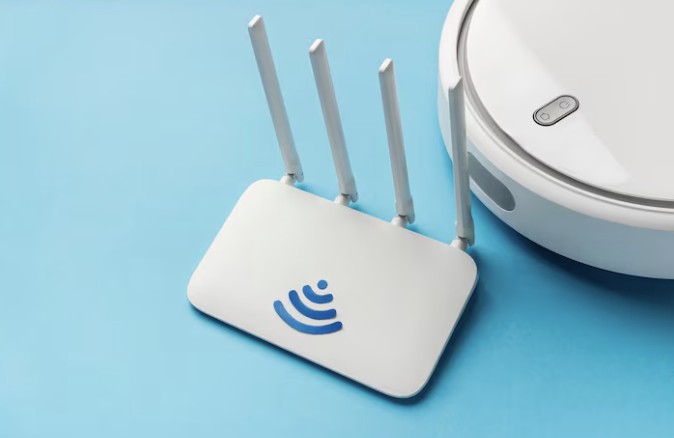
1. Inspect and Upgrade Your Basic Equipment
Before you troubleshoot other areas, make sure your main device is performing at its best.
A. Upgrade Your Router
The router is the heart of your Wi-Fi network.
-
New Wi-Fi Standards: Consider a router that supports the latest standards such as Wi-Fi 6 (802.11ax) or Wi-Fi 7 (802.11be). Newer standards offer higher speeds and handle multiple connected devices much better.
-
Dual-Band or Tri-Band Support: Modern routers should support at least Dual-Band (2.4 GHz and 5 GHz). The 2.4 GHz band covers longer distances but is slower, while 5 GHz is faster but has shorter range. Having both allows you to choose the most suitable band.
B. Check Your Router Placement
Router placement has a massive impact on signal quality.
-
Place it centrally: The best position is the center of the house and elevated (such as on a shelf) to allow signal distribution in all directions.
-
Avoid obstacles: Keep it away from metal objects, thick concrete walls, aquariums, and appliances that emit electromagnetic waves (like microwave ovens).
2. Optimize Your Router Settings
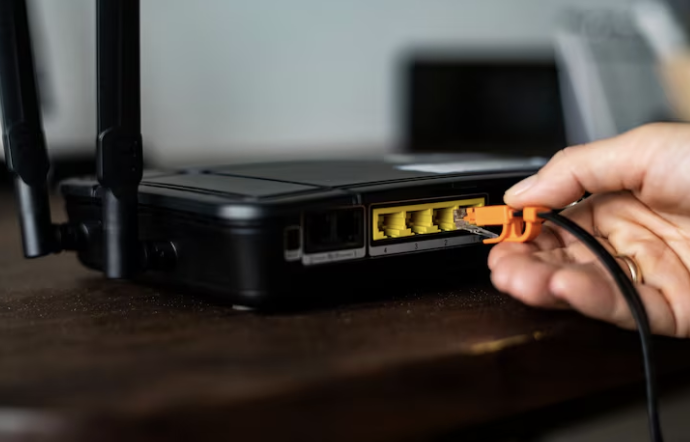
Adjusting router settings can “unlock” hidden performance.
A. Choose the Right Wi-Fi Channel
Wi-Fi channels may experience interference from neighboring networks or other devices.
-
2.4 GHz: Use only channels 1, 6, or 11 as they are non-overlapping.
-
5 GHz: Has many non-overlapping channels, so interference is less common.
-
Use analysis tools: Apps like Wi-Fi Analyzer can help identify the least congested channels. Set your router to those channels.
B. Update Firmware
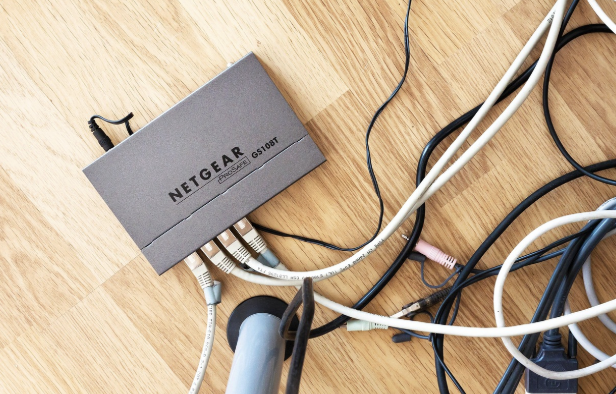
Firmware controls your router. Manufacturers regularly release updates to improve performance, stability, and security. Check and update often.
C. Adjust Channel Width
-
Increase channel width (e.g., from 20 MHz to 40 MHz on 2.4 GHz or 80/160 MHz on 5 GHz) to allow more data transfer. However, wider channels may cause interference in crowded areas.
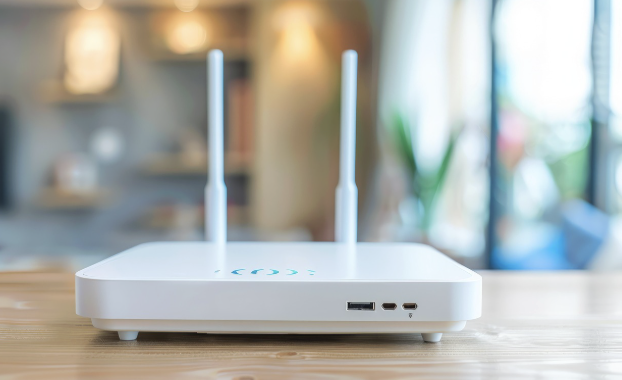
3. Extend Coverage for the Whole House
If your home is large, has two floors, or contains “dead zones,” you may need to expand your network to ensure full coverage.
A. Mesh Wi-Fi System
This is the most recommended and effective method today.
-
How it works: Multiple routers (Nodes) work together to create a single seamless Wi-Fi network with smooth roaming.
-
Advantages: Easy to install, automatic handoff between nodes, and excellent coverage.
B. Range Extender / Repeater
-
How it works: It receives the existing Wi-Fi signal and rebroadcasts it.
-
Caution: Speed often drops by half because the device must receive and resend the signal, making it unsuitable for high-speed tasks.
C. Powerline Adapter
-
How it works: Transfers internet data through your home’s electrical wiring.
-
Advantages: Ideal for homes with thick walls where Wi-Fi cannot penetrate. Just plug the adapter into a distant outlet and use the Ethernet port on the adapter.

4. Manage Devices and Improve Security
A. QoS (Quality of Service)
Most routers include QoS features that prioritize applications or devices.
-
Example: For video conferences or online gaming, QoS can allocate maximum bandwidth to these tasks before others such as large downloads.
B. Remove Intruders and Unused Devices
-
Change Passwords: Always use strong Wi-Fi passwords (use WPA3 if supported).
-
Block Unknown Devices: Check your router’s connected device list and block any unknown devices.
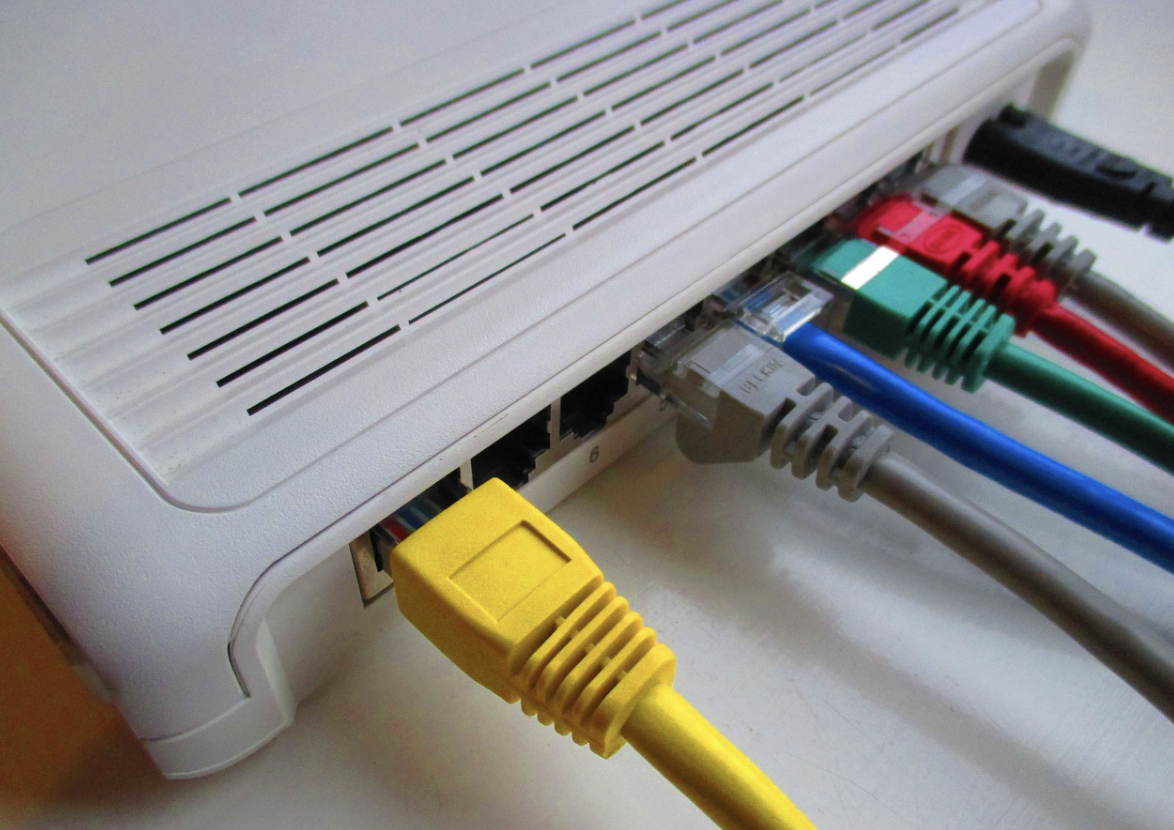
C. Use LAN (Ethernet Cable)
For stationary devices that require maximum speed—desktop PCs, game consoles, Smart TVs—use wired LAN whenever possible. This reduces the load on your Wi-Fi network, leaving more bandwidth for mobile devices.
Upgrading your Wi-Fi is not just about buying a new router. It requires improving both hardware and software settings. Start by adjusting placement and choosing the right channels. If performance is still lacking, investing in a Mesh Wi-Fi system is the most worthwhile choice for fast, smooth internet throughout your home.
Please rate your satisfaction with this article

Post a Comment
Your email address will not be displayed to others. Required fields are marked *
Recommended Content